

Usage
The chat interface is the central access point to BusinessGPT’s AI.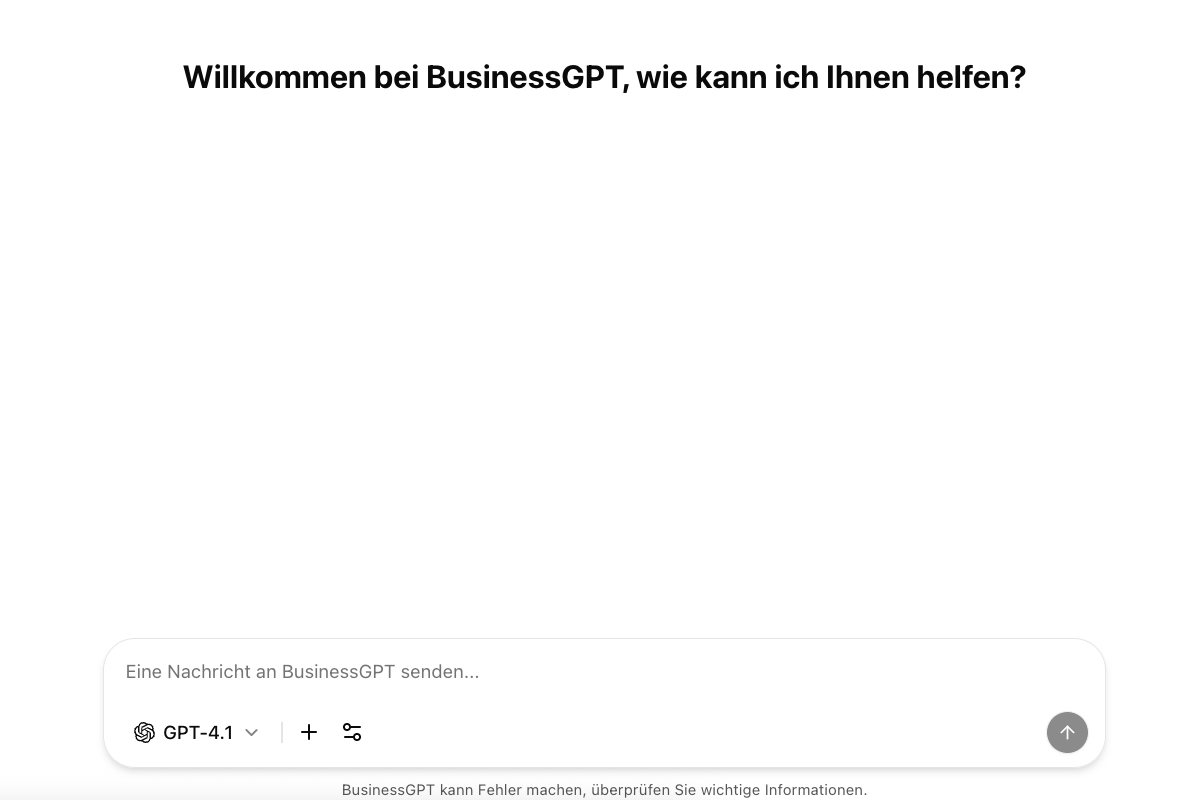
Features
- Natural Language Interaction: Freely formulate questions and tasks.
- Context Awareness: Remembers previous chat messages in the conversation.
- Business Data Integration: Upload and integrate documents as a knowledge base for targeted questions (e.g., “Summarize the marketing report.”).
- Multimodal: Processing of texts, tables, graphics, document summaries.
- Model Selection: Switch between different AI models depending on application needs.
- Slash Commands: Quick access to saved prompts and functions via e.g.,
/marketing.
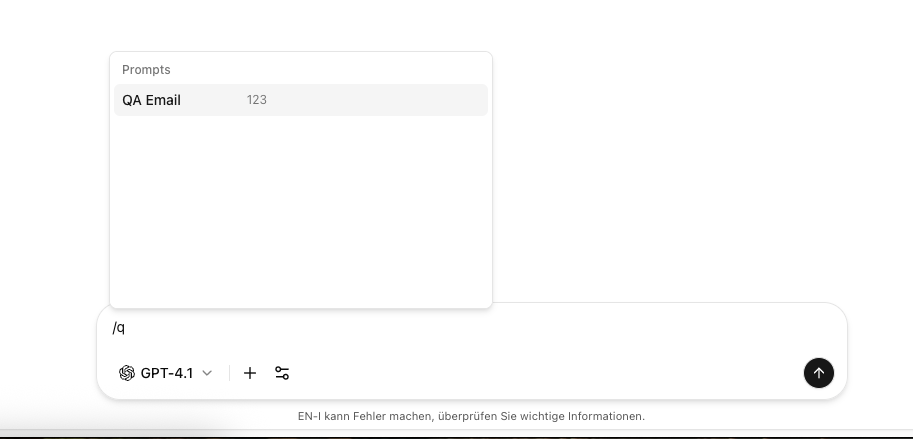
Quick Guide: Slash Commands
- Type
/and select a prompt - Optional: Add a search term directly after the slash to filter
- Press Enter
- The prompt is inserted directly into the chat
Recommendations for Effective Use
- Formulate clear, specific questions.
- Provide context/details if needed.
- Use follow-up questions for details.
- Verify business-critical information before using it.
Example Interactions
Content Creation
Content Creation
“Write a product introduction for our new AI security product.”
Document Processing
Document Processing
“Summarize the key points from the last board meeting minutes.”
Task Automation
Task Automation
“Create a follow-up email to customers who didn’t respond to our offer.”
Limitations
- Access to internal knowledge only through actively provided documents/knowledge data.
- Limited knowledge of very current events – optionally enable web search.
- For special industry terms, provide additional context if needed.
- Avoid complex/ambiguous questions or refine them.
Additional Features
Document Processing
Learn more about analyzing and using your documents.
Prompt Libraries
Manage and quickly integrate prompts.